Pay-as-you-go card readers let a business take card payments with no monthly fee and no contract, paying a fixed percentage of each transaction instead. For a small trader with modest card takings, this is often the cheapest and simplest way to start. This guide explains how these readers work, what the published prices look like, and when a business is likely to outgrow them.
How pay-as-you-go card readers work
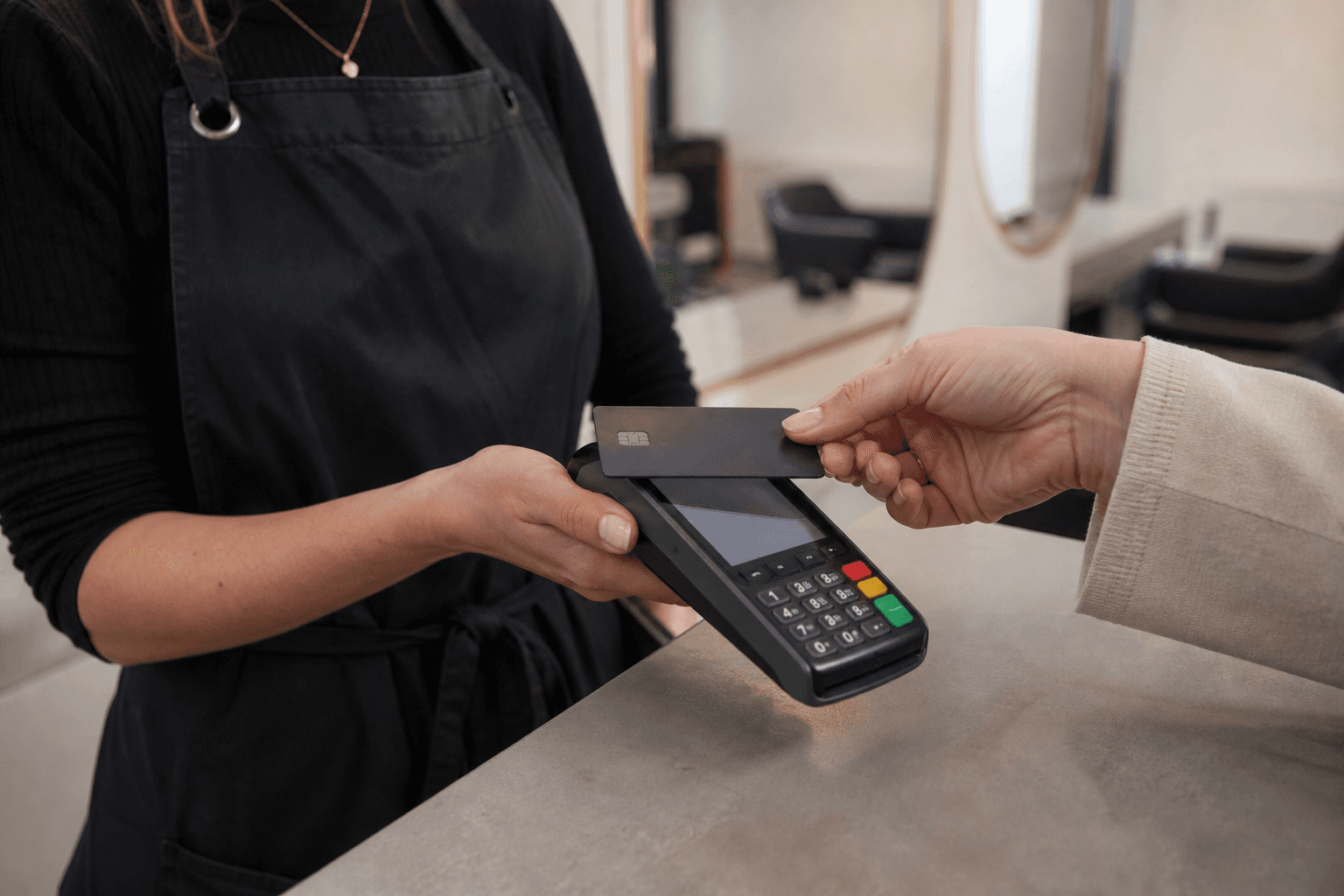
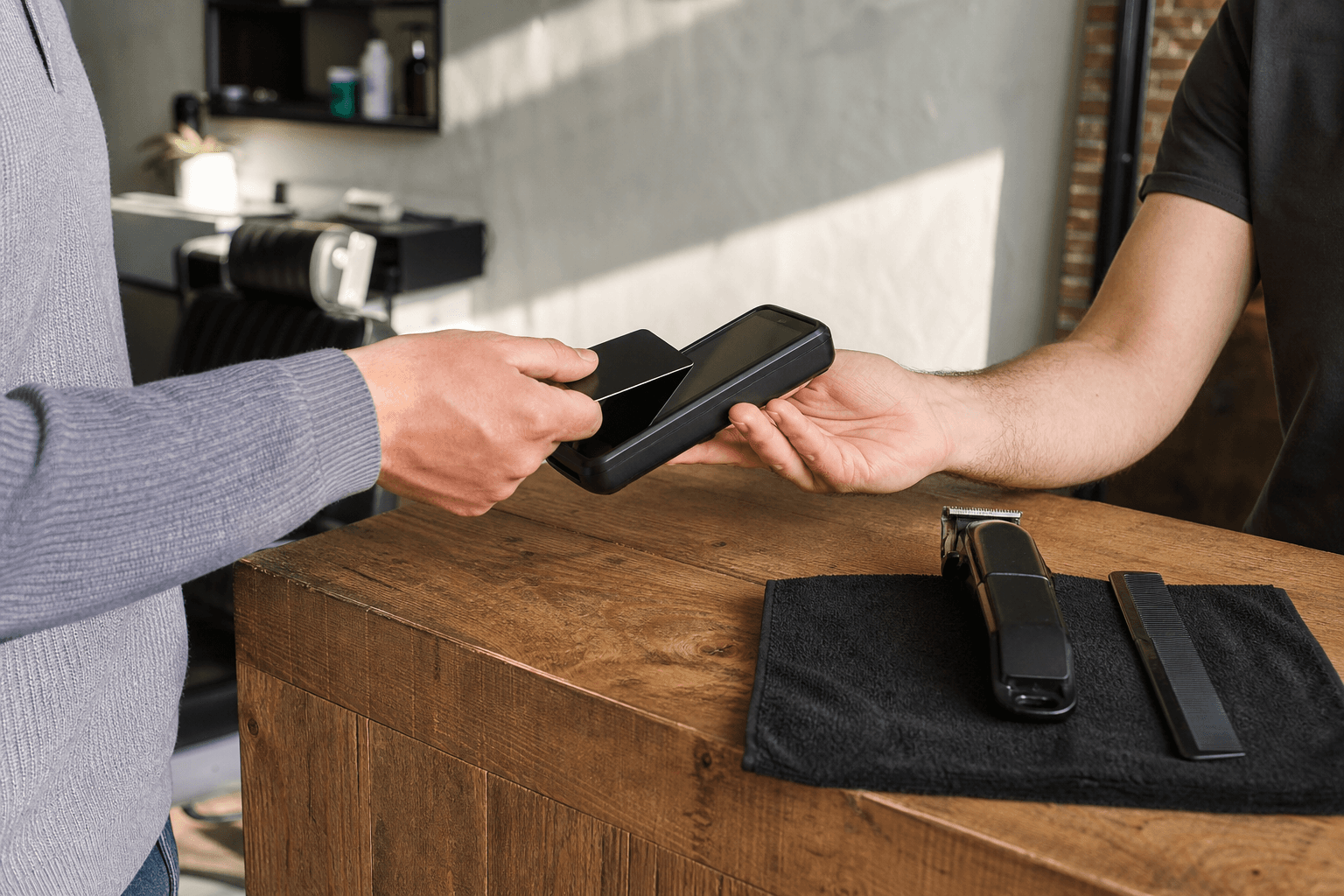
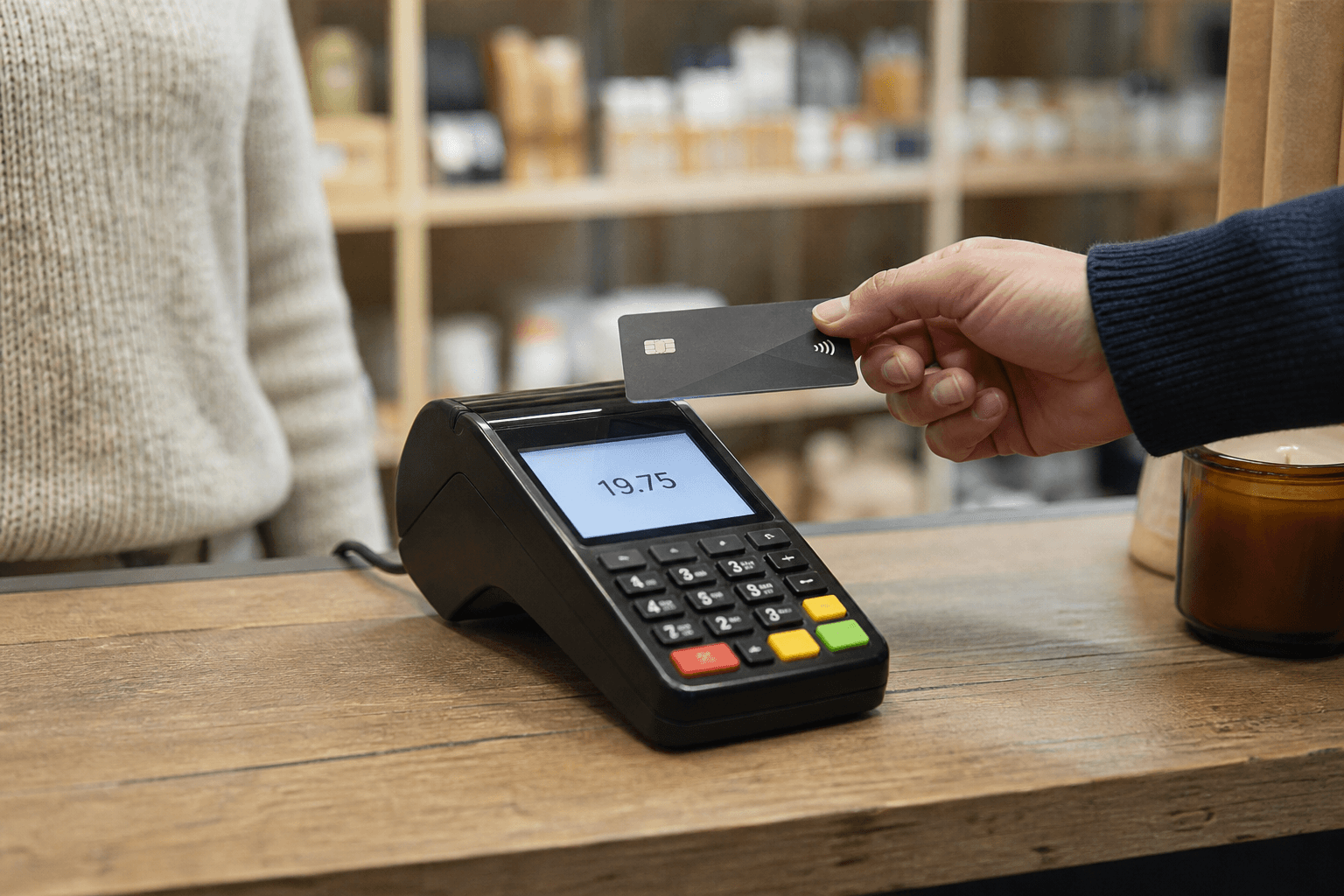
A card reader takes the card details, sends the payment for authorisation and passes the result back to the customer. Most modern readers accept contactless, chip and PIN, and some also accept payments by tapping a phone directly, known as Tap to Pay. The provider takes a percentage of each sale as its fee, and the money is paid into the business's account, usually within one to two working days.
Pay-as-you-go means there is no monthly rental for the reader and no minimum contract. You pay only for what you take. Several providers, including SumUp, Square and Zettle, offer this model.
When a customer pays by card, the bank that issues the card receives an interchange fee from the merchant's bank. The Payment Systems Regulator explains that the Interchange Fee Regulation caps certain interchange fees, but does not cap the merchant service charge that the business pays its bank.
What pay-as-you-go machines cost
Published prices show how the model works. SumUp lists a standard in-person fee of 1.69% for all card payments, while Square and Zettle both list 1.75%. SumUp, Square and Zettle have no monthly fee and no contract on their standard pay-as-you-go plans.
Hardware is an extra cost. SumUp's Solo Lite costs £25, its Solo costs £79, and its Terminal costs £135. Square's Reader costs £19 and its Terminal costs £149. Zettle's PayPal Terminal costs £149.
Worked example, using invented takings figures for illustration only: a business taking £2,000 a month by card would pay roughly £35 a month at 1.75%, and at 1.69% it would pay about £33.80. The difference is small at this level, but it grows with takings.
SumUp also offers a Payments Plus plan at £19 a month that lowers eligible fees to 0.99%. A business whose card takings are large enough would need to work out whether that monthly fee is worth paying. Figures like these are examples only and depend on how much of the takings are eligible for the lower fee.
Dojo does not publish flat pricing on its website. Its rates are assigned through a private quote based on turnover, so a business would need to request one to compare.
When a business outgrows pay-as-you-go
Pay-as-you-go works well while card takings are modest and the business does not need features beyond taking payments. Several signs suggest it may be time to review the setup:
- Card takings have grown, so a percentage fee now adds up to a large monthly sum.
- The business needs a full point-of-sale system, stock control or staff management.
- The business processes enough volume that a custom rate might be cheaper than the published one.
- The business has moved to online sales and needs a payment gateway with its own fee structure.
Zettle states that it offers custom pricing for businesses processing £10,000 or more a month, while Square does not publish an equivalent UK plan. A business at that level should ask for a tailored quote rather than relying on the standard rate.
Choosing between providers
Compare providers on the figures that matter for your takings: the rate on each card type, hardware cost, payout speed and any monthly charges. SumUp suits businesses that want a wide range of hardware and a business account. Square suits businesses that want low online fees and a point-of-sale system. Zettle may suit businesses already using PayPal. None of these is cheapest in every case, so the right choice depends on your own numbers.
Compare these providers with the figures from your own card statement before you decide. Use our switch guide to see what changing provider involves, or our guide to choosing a first card machine if you are just starting out.