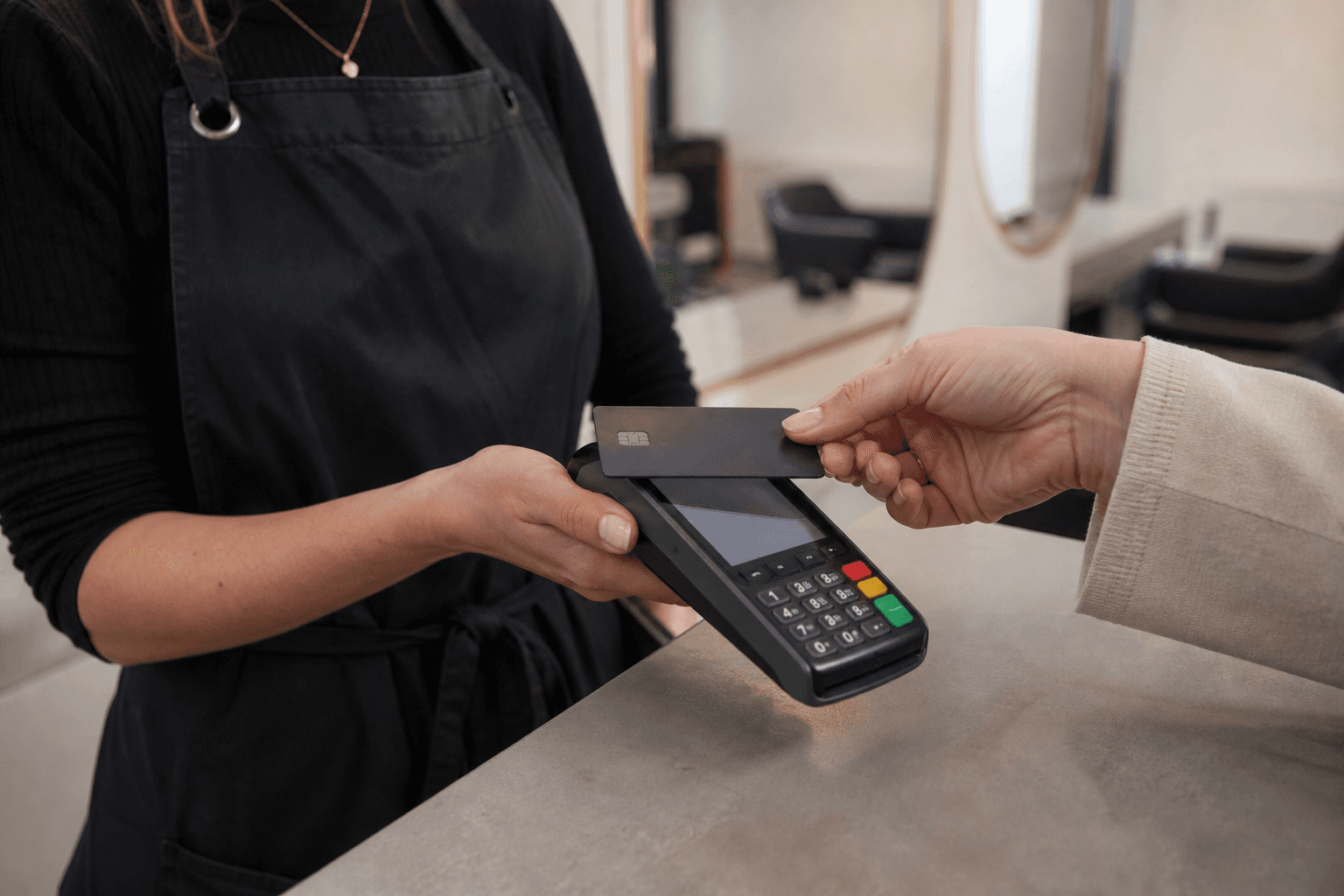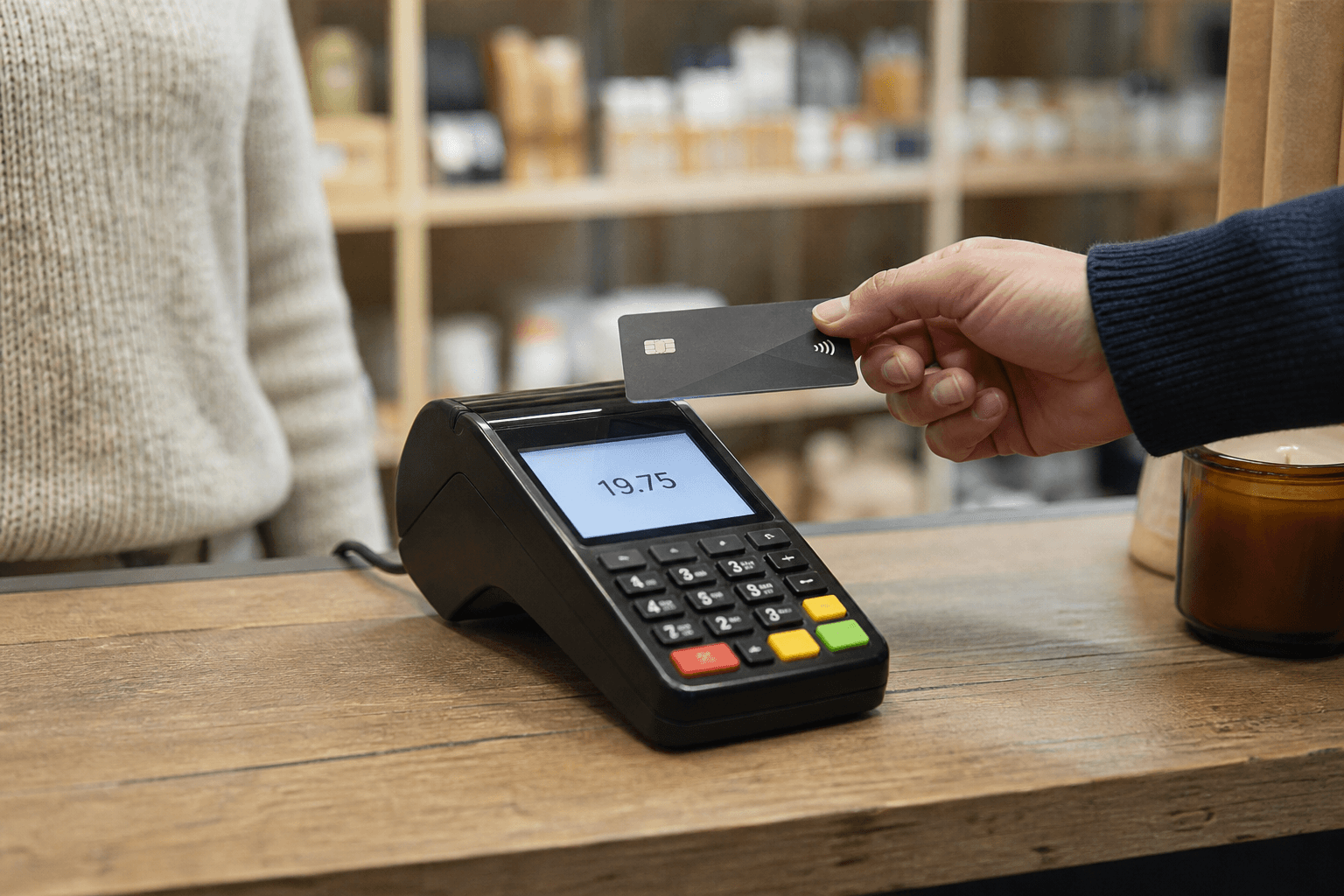
A UK business gets a card machine by choosing a provider, giving it the information it asks for, passing its checks, and then receiving and setting up the terminal.
Step 1: Decide what kind of machine you need
Card machines come in several forms. A standalone card reader works without a phone, a Bluetooth reader pairs with your phone, and some providers offer Tap to Pay, which uses only a phone and an app. A countertop point of sale system adds checkout and stock features. Decide whether you take payments at a fixed till, on the move or both, because this shapes which device you need.
Price is not the only thing to compare. The Payment Systems Regulator notes that the merchant service charge you pay your bank is made up of several components, and while certain interchange fees are capped, the merchant service charge itself is not. Compare the full set of charges, not just the headline figure.
Step 2: Know what providers will ask for
Providers will want to confirm who you are and what your business does before they let you take card payments. Expect to be asked for:
- your business name, trading address and legal structure
- the names of the owners or directors
- your bank account details, so that card takings can be paid out to you
- a description of what you sell and how customers pay you
- an estimate of your monthly card takings
The estimate matters. It helps the provider price your account and decide which device suits you. Give a realistic figure based on your records rather than a guess.
Step 3: Expect checks and understand the timing
Before approval, providers run checks on the business and its owners. Ask each provider how long approval and delivery take before you commit, because the pages reviewed do not give a timescale.
Check the terms as well. Compare whether a provider has a monthly fee, whether it requires a contract, and what it charges for online and invoice payments. For example, the SumUp and Zettle pages both list a 2.50% fee for online and invoice payments, while Square's UK online rate for cards is 1.4% plus 25p. These figures were taken from the providers' own pages as of June 2026, and they may change, so check the current figures before you sign up.
Step 4: Delivery and set-up
Once approved, the terminal is sent to you. Set-up usually means charging the device, installing the provider's app or connecting the reader to your phone or till, creating your user profile and running a test payment. Some devices have built-in mobile data, so they need no Wi-Fi at the till; others depend on your phone's connection. Check which your chosen device needs before you buy.
Keep your card machine secure from the first day. The PCI Security Standards Council's guide states that if you are a merchant who accepts or processes payment cards, you must comply with the PCI DSS.
Step 5: What to have ready
Gather everything before you apply, so that the process runs smoothly:
- Your registered business name and address
- Your business bank account details
- Personal details for each owner or director
- A description of your products or services
- Your estimated monthly card takings
- A note of the device you need and where you will use it
If you are switching from another provider, also have your current merchant statement to hand. It shows the rates you pay now, which is the easiest way to compare. If you are moving from a provider you already use, see our guide to switching card machine providers. If this is your first card machine, our guide to getting your first card machine covers the basics.