
A small UK business gets found by people searching nearby by claiming free profiles on Google and Bing, keeping its name, address and phone number the same everywhere they appear, collecting honest reviews, and maintaining a fast website with accurate opening hours and up-to-date photos. Each of these signals helps search engines and customers decide whether a business is relevant, trustworthy and open. None of them needs a paid advertising budget, although the time spent on them does need planning.
At a glance
- Claim your free Google Business Profile and a Bing Places listing, and check that both are accurate.
- Use exactly the same business name, address and phone number on every website, directory and social profile.
- Collect genuine reviews and never pay for, script or hide them, because the rules on fake reviews apply to every business.
- Add accurate opening hours, including changes for bank holidays, and keep your photos current.
- Make your website load quickly on a phone and state your location and services plainly.
Claim your free profiles on Google and Bing
Before you create anything, search for your business name first, because a listing may already exist and creating a duplicate can confuse both search engines and customers.
If a profile already exists, claim it rather than starting again. Use a business email address where possible, so that more than one person can manage the listing if the business grows.
Keep your name, address and phone number consistent
Search engines compare what they find about your business across the web, so the details must match. Use the same trading name, the same address format and the same phone number on your website, your Google and Bing profiles, your social media pages and any trade directories. A small difference, such as "Unit 4" on one site and "Unit 4A" on another, can make a search engine treat them as two separate businesses.
Check your listings once a quarter and after any change of premises, phone line or trading name. Make sure that the contact details you give are ones that you actually answer, because a phone number that rings unanswered may lead to poor reviews.
Reviews, photos and opening hours
Genuine reviews help customers choose you, but the rules on how they are gathered are strict. Business Companion's guide on reviews and endorsements explains that a "consumer review" covers reviews of a trader and that a fake consumer review is one that claims to be, but is not based on, a person's real experience. The Digital Markets, Competition and Consumers Act 2024 also makes it unlawful to publish reviews in a misleading way, including by suppressing negative reviews or cherry-picking good ones.
Business Companion also states that paid or otherwise incentivised content must be clearly identifiable. If you offer a discount or a free item in return for a review, the review must say so. The Competition and Markets Authority (CMA) has published guidance on the prohibition of fake reviews, and businesses must take reasonable and proportionate steps to prevent and remove fake reviews and misleading review information. Ask customers for honest feedback, reply to every review politely, and never ask a friend or an agency to write reviews for you.
Photos and opening hours are simpler but just as important. Add pictures of your vehicles, equipment, premises and team, and replace out-of-date images. Accurate opening hours stop customers travelling to a closed yard, and hours that are regularly wrong can reduce trust in the listing as a whole.
| Signal | What to check | How often |
|---|---|---|
| Business name | Identical across all profiles and your website | Quarterly |
| Address and phone | Correct, answered and matching everywhere | Quarterly, and after any move |
| Opening hours | Current, including bank holidays | Before each holiday period |
| Photos | Recent images of your vehicles, equipment and premises | Every few months |
| Reviews | Replies posted and any incentives disclosed | Weekly |
A fast website and a free GetBrent listing
Your website is the place where people check what you do before they call. It should load quickly on a phone, show your services and service area in plain words, and repeat the same contact details used on your profiles. Put your address and opening hours on the home page, and make the phone number tappable so that a customer on a mobile can ring you in one step.
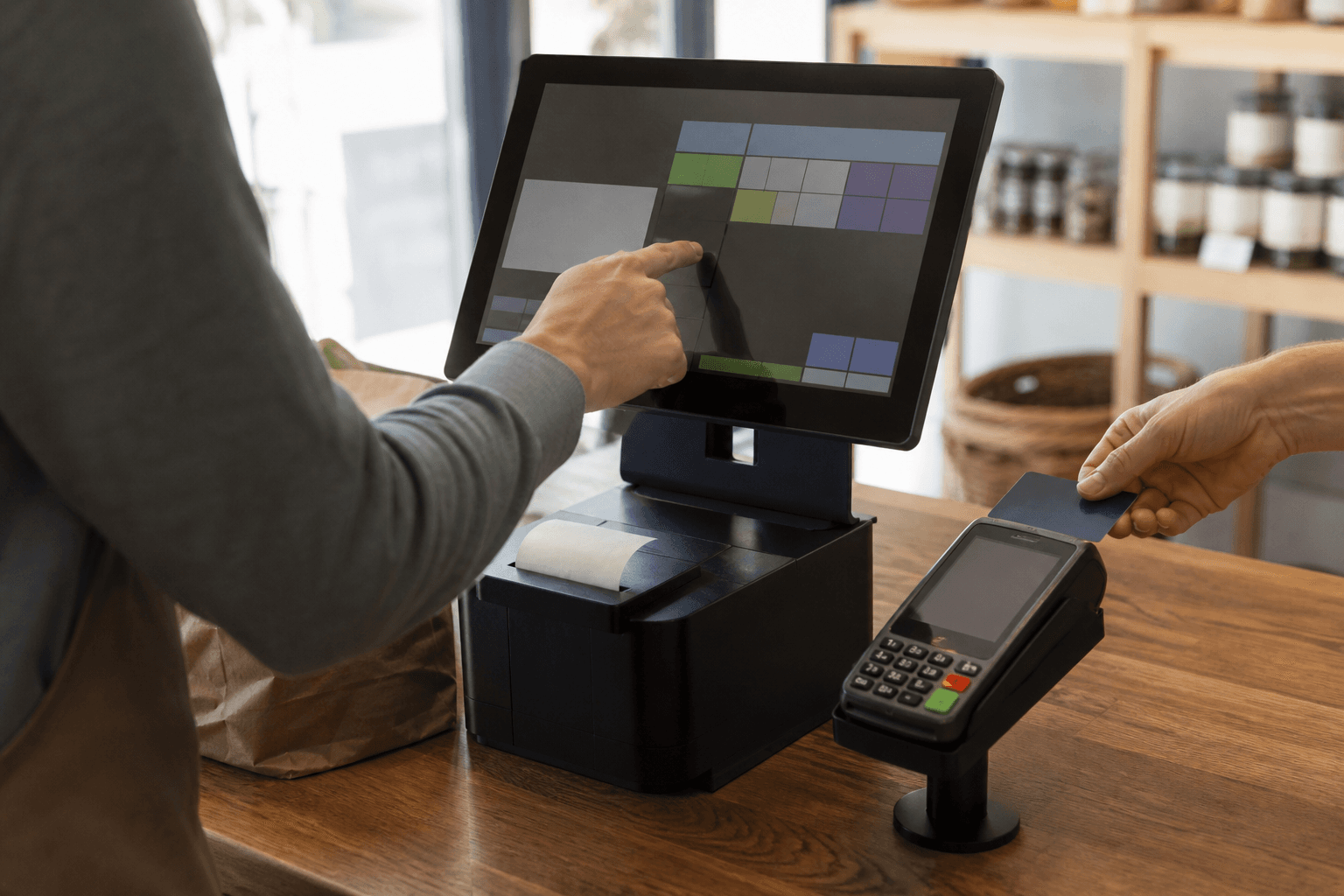
Trading law also applies to what your website says. If you sell online or take card payments, it is worth reading about how to choose a card machine for your business and comparing the total cost of each option.
GetBrent uses Flatpay as the benchmark it measures other providers against: to find out whether your current rate is good, request a free Flatpay check. It is free, and you speak to a real person.
Frequently asked questions
Do I have to pay to appear on Google?
No. Google describes its Business Profile as free, so you can list your business on Search and Maps without paying for the listing itself. Paid advertising is a separate choice.
Can I ask customers to leave a review?
Yes, but you must not write or pay for fake reviews. If you give any incentive, such as a discount, the review must make clear that it was incentivised.
Why does my business name need to match everywhere?
Consistent details help search engines recognise that all of your listings belong to one business. Differences in name, address or phone number can split your presence across several records.
List your business on GetBrent for free to add your details alongside the other businesses that customers already search for in your area.